
Tap, Drop, Done: Smarter Chores and Errands at Home

Welcome to a practical, upbeat guide focused on automating household chores and errands with drag-and-drop apps. We will explore approachable workflows, real stories, and easy wins that help reclaim hours every week. From visual builders to one-tap scenes, you will learn how to reduce mental load, cut repetitive tasks, and create calmer routines that fit your life, not the other way around. Share your wins, ask questions, and subscribe for new playbooks you can adapt immediately.

A Gentle Start that Actually Sticks

Design a wake sequence that fades in lights, starts the kettle, announces today’s calendar, and surfaces a bite-sized checklist. By connecting simple triggers and actions, the routine runs even when you are groggy. Add a fail-safe notification if something misfires, and keep the flow visible on your phone’s home screen. Reliability builds trust, so you keep using it without constantly tweaking or second-guessing the process.

Kitchen Reset Without The Mental Load

Automate a post-breakfast reset that starts the dishwasher if sensors show it is full, nudges a reminder if detergent is low, and logs a quick shopping note. Link a short playlist to brighten the mood, then record completion in your tracker. This blends satisfaction with gentle accountability. Run it after school days, too, so dishes never pile up. A tiny push here saves twenty frustrating minutes later.

Evening Wind-Down You Will Look Forward To

Build a one-tap scene that dims lights, queues a calming podcast, closes blinds, and sends a quiet prompt to prep clothes and bags for tomorrow. The steps are small, but the effect is big: you feel tomorrow happening on purpose. Include an optional ten-minute tidy timer with cheerful music, then mark done to earn streak points. Your future self thanks you every night.

Tools That Click Into Place

There is no single perfect app, only the perfect fit for your needs. Apple Shortcuts, IFTTT, Make, Zapier, SmartThings, and Home Assistant each shine in different ways. Visual builders help non-coders chain triggers, conditions, and actions across devices. Choose based on platforms you own, privacy comfort, and how much tinkering you enjoy. Start in one place, then graduate as confidence grows. Portability matters less than clarity, simplicity, and delight.

Picking Your First Builder With Confidence

If you are on iPhone or iPad, Shortcuts offers friendly blocks and deep integrations. Android lovers can pair SmartThings routines with Google Assistant or Tasker for extra flexibility. Cross-platform connectors like IFTTT and Zapier bridge services with easy triggers. Want richer visual canvases and routers for complex logic? Explore Make or Home Assistant. Begin wherever friction feels lowest, then iterate only when needs expand beyond current comfort.

Reliability, Privacy, And Local Control

Cloud automations are convenient but can falter when connectivity dips. Local-first options, such as Home Assistant, shine for lights, sensors, and latency-sensitive scenes. Mix approaches thoughtfully: keep critical routines local and non-critical sequences in the cloud. Review data permissions, anonymize logs, and prune unused connections. You will enjoy dependable flows without sacrificing privacy. A little intentionality here prevents headaches and keeps trust high throughout the household.

Costs, Maintenance, And Sustainable Setups

Many tools have generous free tiers, but subscriptions may unlock multi-step flows, faster polling, or premium integrations. Before upgrading, quantify time saved each week. Document routines in a shared note, back up exports, and schedule a monthly review to remove crufty steps. Plan ownership handoffs so roommates or partners can fix things if you are away. Sustainable setups are clearly named, well documented, and pleasantly boring to maintain.

Errands Handled Before You Step Out

Turning errands into predictable, almost invisible flows removes stress. Geo-fenced reminders surface grocery lists as you approach the store. Shared checklists keep households aligned. Calendar-based triggers pre-order staples for curbside pickup. Email parsing updates delivery notes, and a route planner bundles tasks near planned travel. Instead of reacting to chaos, errands ride along with existing movement. The result is fewer trips, lighter bags, and happier weekends reclaimed.

Location-Aware Lists That Feel Magical

Set a location trigger for your usual market, and have your list automatically filter to in-store items. If a family member adds milk or spices at home, it appears when you arrive, not hours later after you have left. Tie a gentle vibration to the entrance, then turn it off when you leave. No more parking-lot realizations. The right items, at the right time, in the right aisle.
Smart Restocking Without Overspending

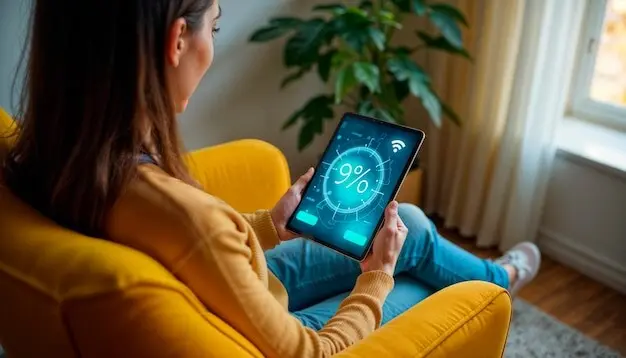
Use counters for household staples like detergent, filters, and pet food. Each time you open a new box, tap a simple button in your automation app. When the counter hits a threshold or a calendar date approaches, queue a reminder or place a scheduled pickup. Protect your budget with a confirm step and price check link. Smart restocking is not mindless buying, it is safer, calmer planning.

Routing Multiple Stops With Fewer Headaches

Have your automation read today’s calendar, extract addresses tagged as errands, and build a route in your preferred maps app. Add estimated store wait times and opening hours, then send a summary to your partner to coordinate split pickups. If an event runs long, a reschedule rule defers low-priority stops. This turns stop-and-go chaos into a predictable circuit that respects energy, daylight, and real-life surprises.

Stories From Real Homes

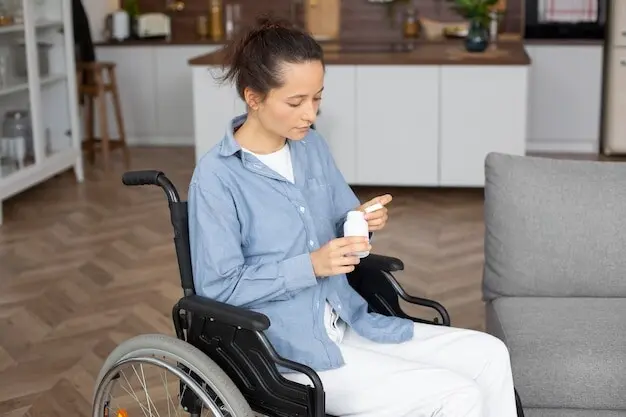
It is easier to believe in change when you hear it lived. A nurse on rotating shifts, a pair of roommates balancing bills and dishes, and a retiree caring for an energetic dog all used drag-and-drop workflows to calm the churn. None wrote code. They just mapped routines honestly, tested tiny pieces, and stacked wins. The payoff was quieter mornings, friendlier evenings, and more spacious weekends to breathe and play.

Build Your First Flow Safely

Start where friction screams loudest: a missed bin, a forgotten refill, a chaotic morning. Write the outcome you want, then translate it into triggers, conditions, and actions. Label steps in plain language and test each part alone. Add timeouts, confirmations, and notifications so errors are obvious and fixable. Keep a changelog and backups. Celebrate small wins, share screenshots, and invite feedback. Good flows grow from kind, careful iteration.

01

Map The Journey Before You Tap

Sketch the routine as a story: when this happens here, then that should happen there, unless this specific condition intervenes. Identify sensors, calendars, lists, and devices involved. Group steps by place and time. If it looks complicated on paper, split it. Good design removes confusion before complexity creeps in. When you finally open the app, you will build confidently, because your thinking is already crisp, generous, and visual.

02

Test, Observe, And Recover Gracefully

Run in sandbox mode if available, or replace real actions with friendly notifications first. Log inputs and outputs so you can pinpoint brittle steps. When an action fails, route to a safe alternative and send a clear message. Consider an escalation rule after repeated failures. The goal is not perfection, but predictability and recovery. You want routines that help on weird Tuesdays as much as on perfect Saturdays.

03

Measure Wins And Keep It Human

Track minutes saved each week and emotional wins like fewer arguments or less decision fatigue. If a flow feels naggy, soften the copy and reduce pings. If nobody uses it, revisit triggers or prune it entirely. Quarterly, archive outdated steps and refresh labels. Share your progress with friends or the community, ask for ideas, and offer yours. Automation should feel like kindness, not control, always serving people first.

Level Up With Sensors, AI, And Schedules

Once basics feel smooth, enrich your system with presence sensors, energy-aware schedules, and gentle intelligence. Presence detection can arm or disarm routines as people come and go. Energy dashboards shift laundry to off-peak windows. Simple classifiers can read emails or receipts to update lists. Seasonal presets switch behaviors for school terms, holidays, or travel. Done thoughtfully, these upgrades stay friendly, invisible, and easy to override when life surprises you.
Varomirakaro
Privacy Overview

This website uses cookies so that we can provide you with the best user experience possible. Cookie information is stored in your browser and performs functions such as recognising you when you return to our website and helping our team to understand which sections of the website you find most interesting and useful.